Create Wifi Hotspot
Access Point
with ease
Create Windows WiFi Mobile Hotspot with/without having Internet. Manage connected devices, share internet via specific adapters, and auto-start at boot. Download now!



Create Windows WiFi Mobile Hotspot with/without having Internet. Manage connected devices, share internet via specific adapters, and auto-start at boot. Download now!
Enable and Disable Internet while hotspot is ON.
Get information about devices connected to hotspot.
Configure the app to run at windows startup, enable internet sharing. Keep the app running in background.
Supports 25 Languages.

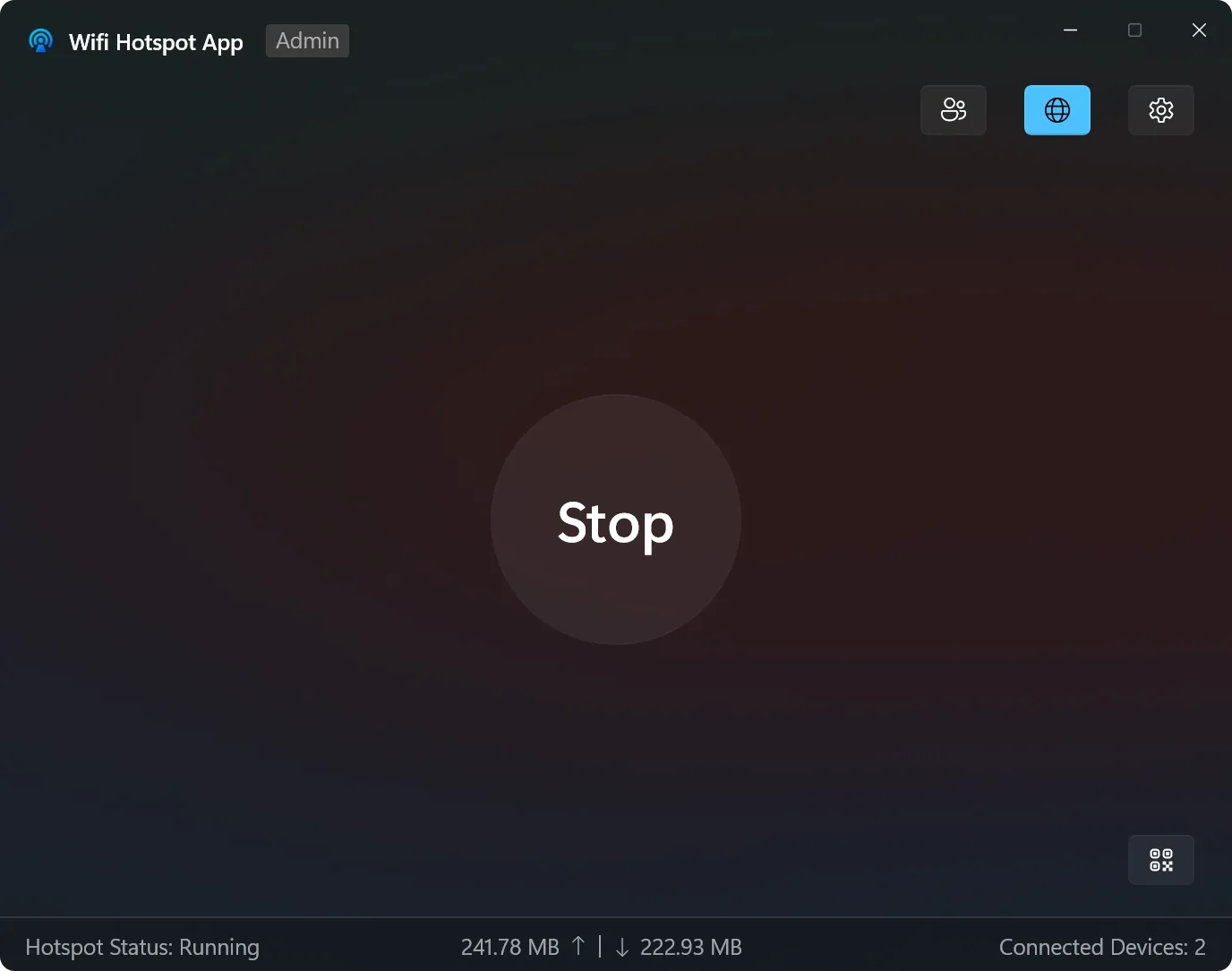
Start or Stop your Wi-Fi hotspot instantly with single click.
Monitor your real-time data transfer with upload and download indicators located at the bottom of the screen.
Choose fastest network adapter you want to use to share the internet connection via a convenient dropdown menu.
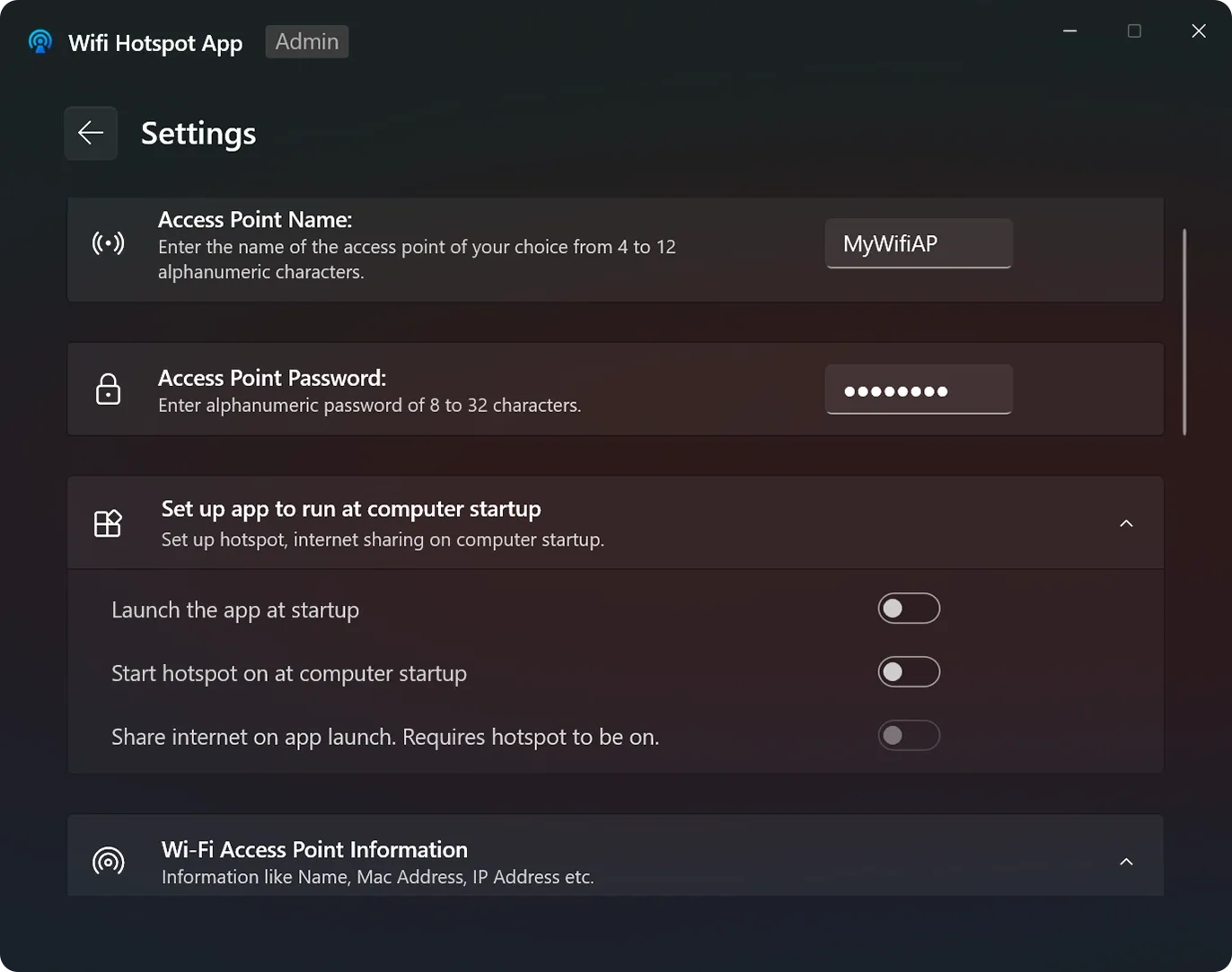
Create a custom name for your Wi-Fi hotspot network (between 4 and 12 characters) so it is easy for you to find.
Set a strong alphanumeric password (8 to 32 characters) to prevent unauthorized people from using your network.
Configure the app to launch, turn on the hotspot, and start sharing internet automatically as soon as your computer boots up.
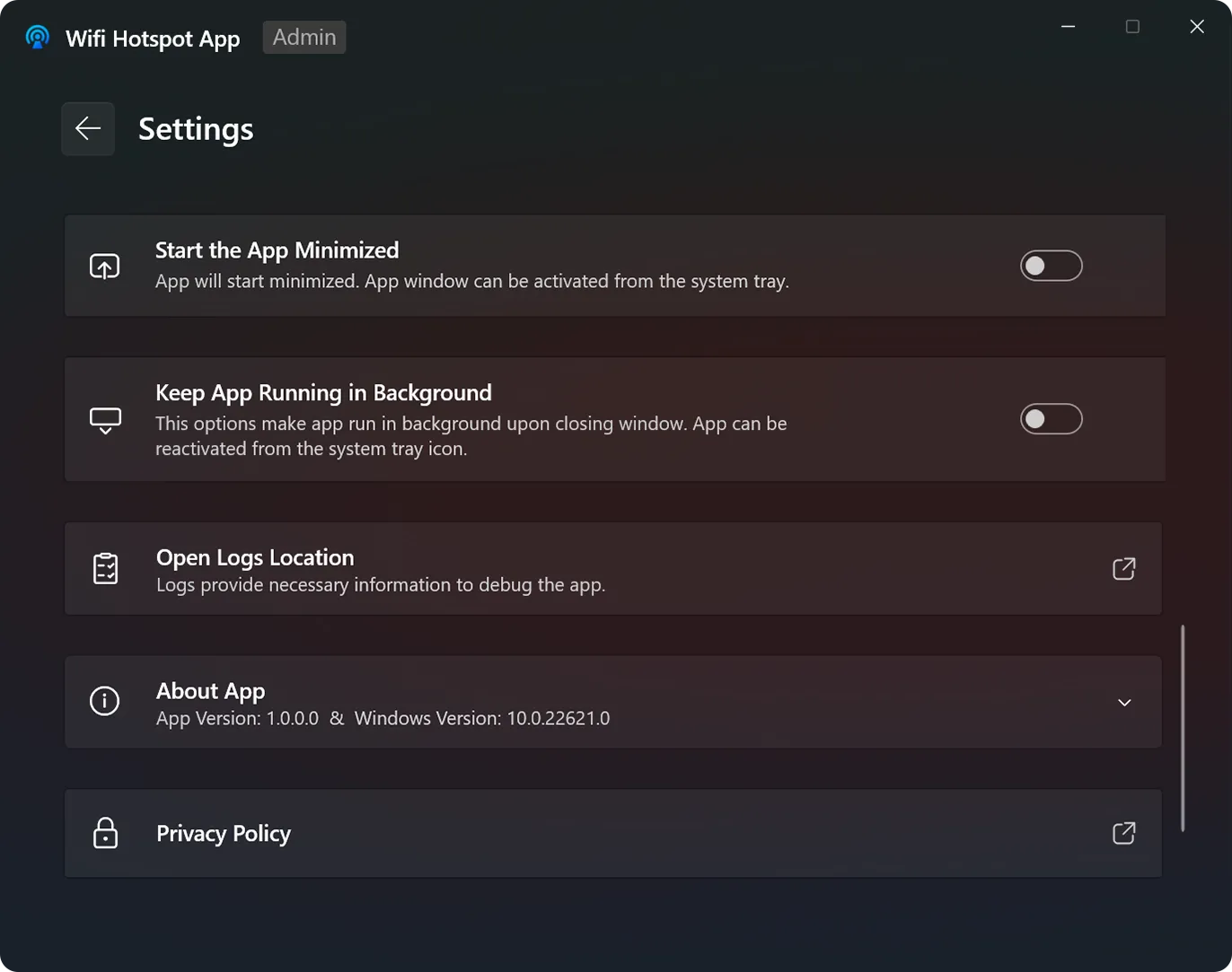
Enable "Keep App Running in Background" so your hotspot stays active even if you close the main application window.
Use the "Start the App Minimized" toggle to have the app open quietly in the system tray without cluttering your desktop.
Access a dedicated logs folder with one click to help identify and fix any connection issues.
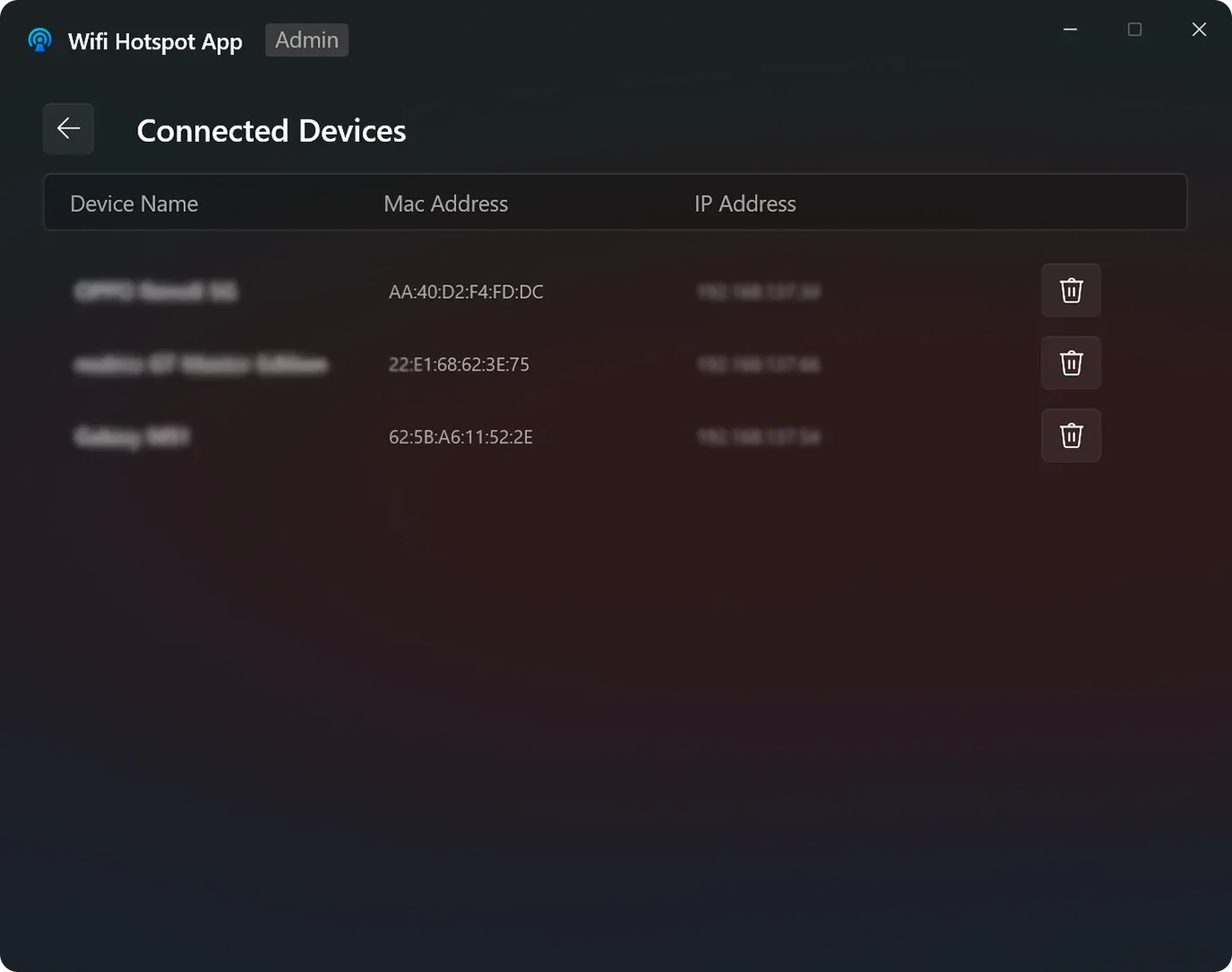
View a detailed list of every connected user, including their Device Name, MAC Address, and IP Address.
Disconnect undesired device currently connected to the Wi-Fi hotspot.
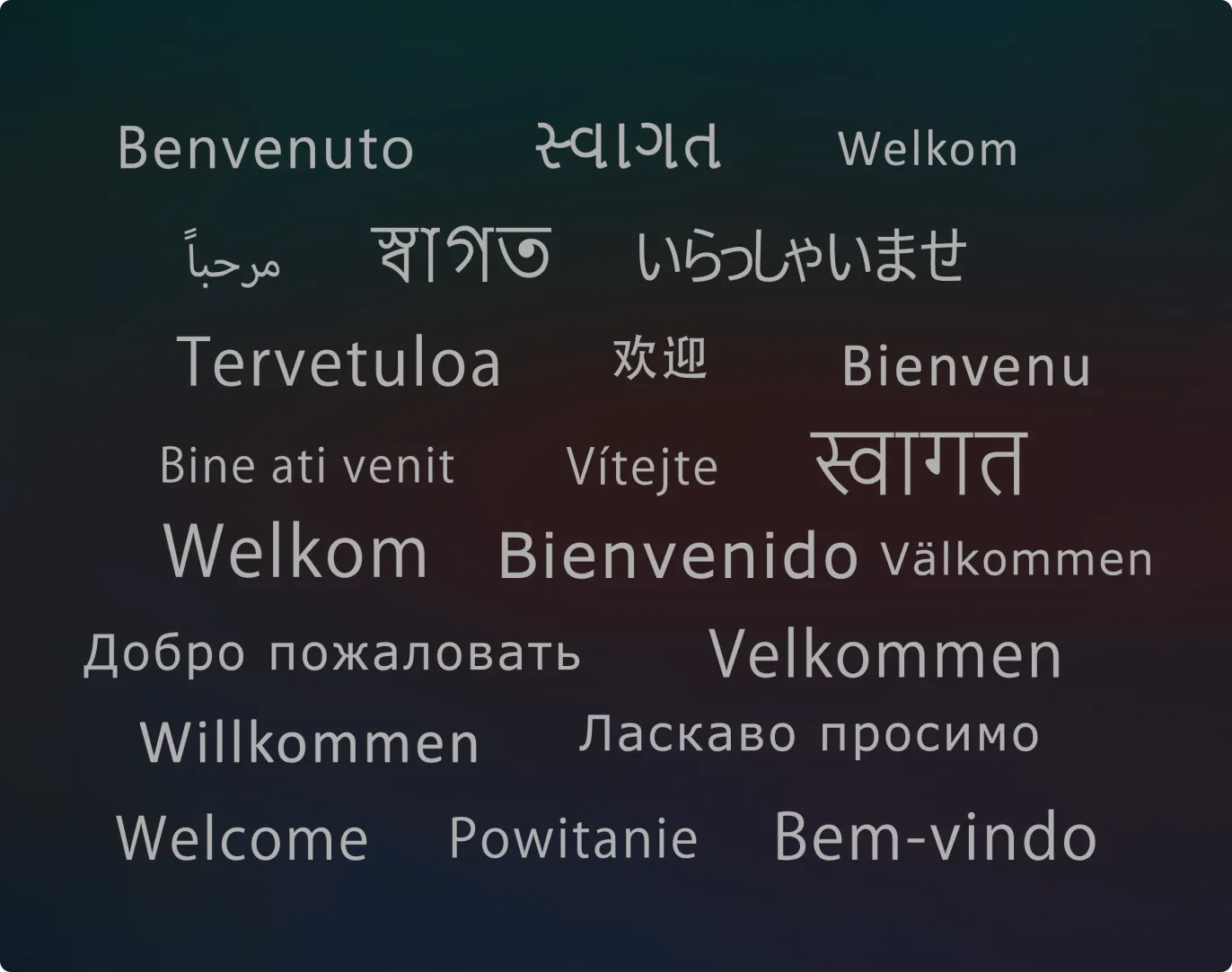
The app is localized in 25 different languages, making it easy to navigate for users all over the world.
Enjoy a user interface that speaks your language, featuring translated menus and instructions for a more intuitive experience.
Help us improve by reporting bugs with steps & screenshots, suggesting new features or enhancements you’d love to see, or contributing translations to make the app available in your native language — every contribution makes a real difference!